
Why Windows 11 25H2 Became Larger: Security Changes Explained Without Marketing
-
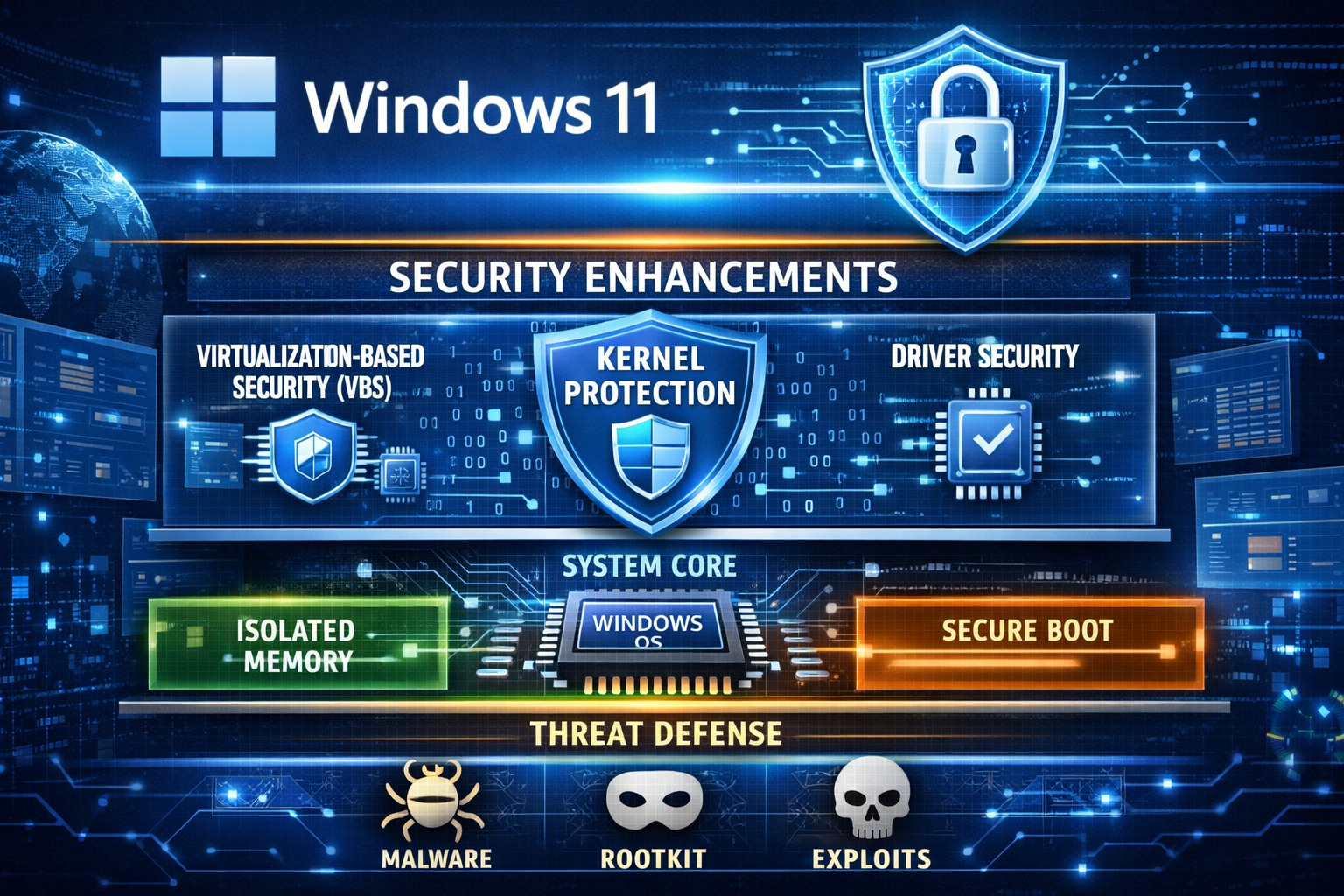 Windows 11 25H2 became noticeably larger in size, and Microsoft recently explained why. The reason is not new visual features or bundled apps, but a significant expansion of security mechanisms at the system and kernel level.
The key point is that Microsoft strengthened protection in areas that operate at the lowest level of the operating system: the kernel, drivers, and memory isolation. These changes are expensive in terms of disk space, but they are intentional.
One of the main additions is deeper kernel-level protection. This targets modern attack vectors such as rootkits, malicious drivers, and exploits that attempt to load before or alongside the OS. To achieve this, Windows now ships with more built-in components, validation data, and fallback mechanisms. These are not downloaded on demand — they are stored locally to ensure reliability and offline patching.
Another major factor is the expanded use of Virtualization-Based Security (VBS) and HVCI. In simple terms, parts of Windows are now isolated in a protected virtual environment. Even if malicious code executes, it cannot easily reach critical system components. This requires additional system images, memory maps, and compatibility layers, which directly increases the size of the OS image and cumulative updates.
Driver security has also been tightened. Windows 11 25H2 includes stricter driver validation, larger blocklists for vulnerable drivers, and more integrity-checking data. This is particularly important because many real-world exploits rely on legitimate but insecure drivers to gain kernel access.
A common question is whether these security mechanisms affect gaming performance.
In most modern gaming scenarios, the impact is minimal to negligible. On current CPUs, especially mid-range and high-end systems, the overhead introduced by VBS and kernel protections is usually within the margin of error — often a few percent at most, and frequently unnoticeable in GPU-bound games.
However, there are edge cases. Competitive players chasing maximum FPS in CPU-limited titles, or users on older hardware, may observe small drops in minimum FPS or slightly higher latency. This is why some gamers choose to disable features like VBS or Memory Integrity.
Disabling these protections can indeed recover a small amount of performance, but it comes with real trade-offs. Turning them off reduces protection against kernel-level malware, malicious drivers, and advanced persistence techniques. These attacks are rare for casual users, but they are exactly the type used in targeted attacks, cheat loaders, and advanced malware.
In other words, disabling these features does not make Windows “unsafe” overnight, but it does lower the security ceiling. The system becomes more similar to older Windows versions in terms of attack surface.
The increase in Windows 11 25H2 size is therefore not accidental and not a sign of unnecessary bloat. It reflects a strategic decision by Microsoft to prioritize system integrity, offline reliability, and long-term security, even at the cost of larger update packages and higher storage requirements.
Whether to keep all these protections enabled depends on the user. For most systems, especially general-purpose and gaming PCs with modern hardware, the default configuration offers a reasonable balance between security and performance.
-
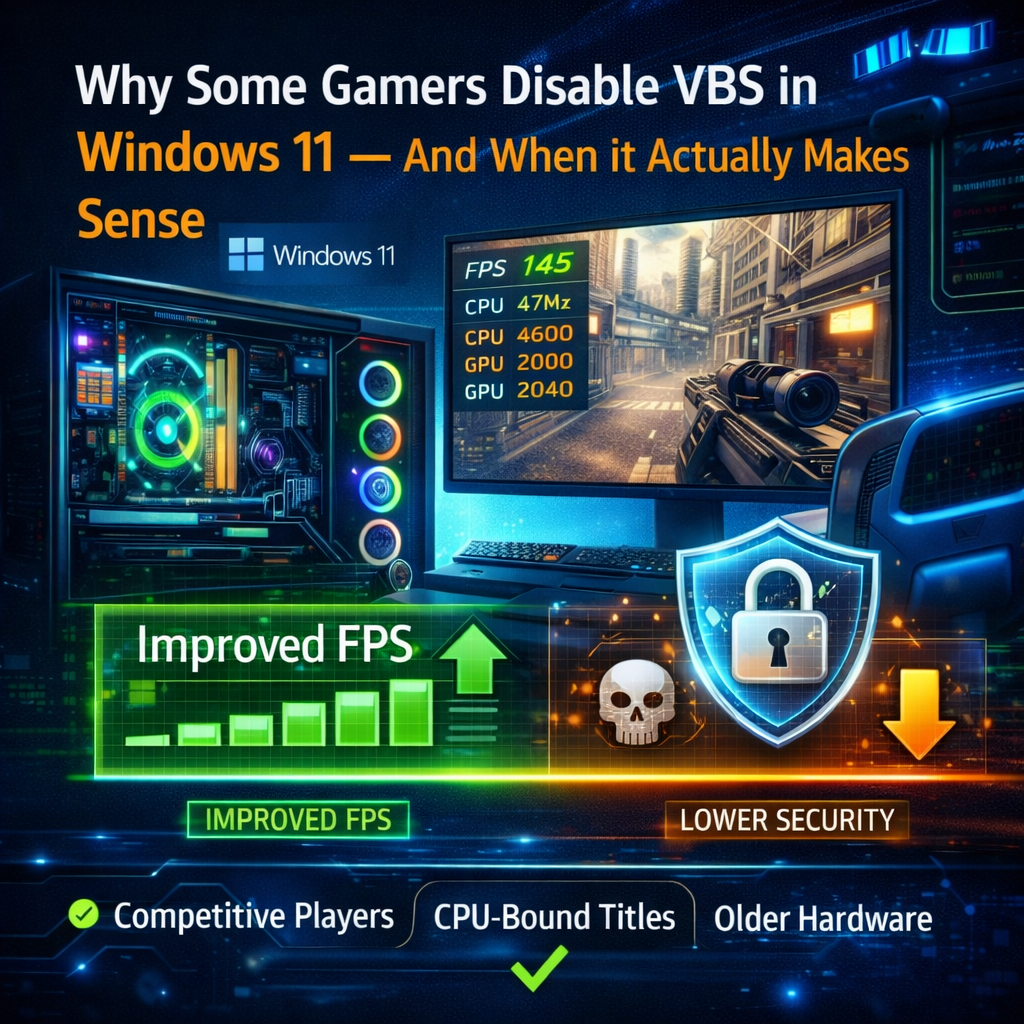
Why Some Gamers Disable VBS in Windows 11 — And When It Actually Makes Sense
Speaking as an experienced Windows and PC gaming user, the topic of disabling VBS (Virtualization-Based Security) comes up regularly, and it’s worth explaining it without extremes or fear-mongering.Some gamers disable VBS not because they are “against security”, but because they are chasing very specific performance goals. This usually applies to competitive or CPU-bound scenarios: high-refresh-rate esports titles, older engines, simulation games, or systems where the CPU is already the limiting factor.
VBS introduces an additional isolation layer between the operating system and critical components like memory and the kernel. On modern CPUs, the overhead is generally small, but it is real. In certain edge cases, this can slightly reduce minimum FPS, increase frametime variance, or add small latency penalties. For most users, this difference is barely noticeable. For competitive players, even a few percent can matter.
Another reason is hardware context. On older CPUs or entry-level systems, virtualization-based features can be proportionally heavier. In those cases, disabling VBS may produce a more noticeable improvement than on modern high-end hardware.
That said, it is important to understand what is being traded away.
Disabling VBS lowers protection against kernel-level attacks, malicious or vulnerable drivers, and advanced persistence techniques. These are not common threats for average home users, but they are the exact mechanisms used by sophisticated malware, cheat loaders, and targeted attacks. With VBS off, Windows behaves closer to older security models.
This does not mean the system becomes instantly unsafe. Windows still has multiple layers of defense. However, the security margin is reduced, especially against low-level threats that traditional antivirus solutions are not always effective against.
So when is disabling VBS a reasonable choice?
It can make sense for:
- Competitive gamers who prioritize maximum and consistent FPS
- Users with older CPUs where virtualization overhead is more pronounced
- Controlled environments where software sources are trusted and limited
When is it not recommended?
- General-purpose systems
- PCs used for work, browsing, downloads, or mixed workloads
- Systems exposed to unknown drivers, mods, or untrusted software
In short, disabling VBS is not a “magic performance tweak” and not something that should be done blindly. It is a calculated trade-off. For most modern gaming PCs, leaving it enabled provides better overall balance. For niche performance-focused scenarios, disabling it can be justified — as long as the user understands the risks.

-
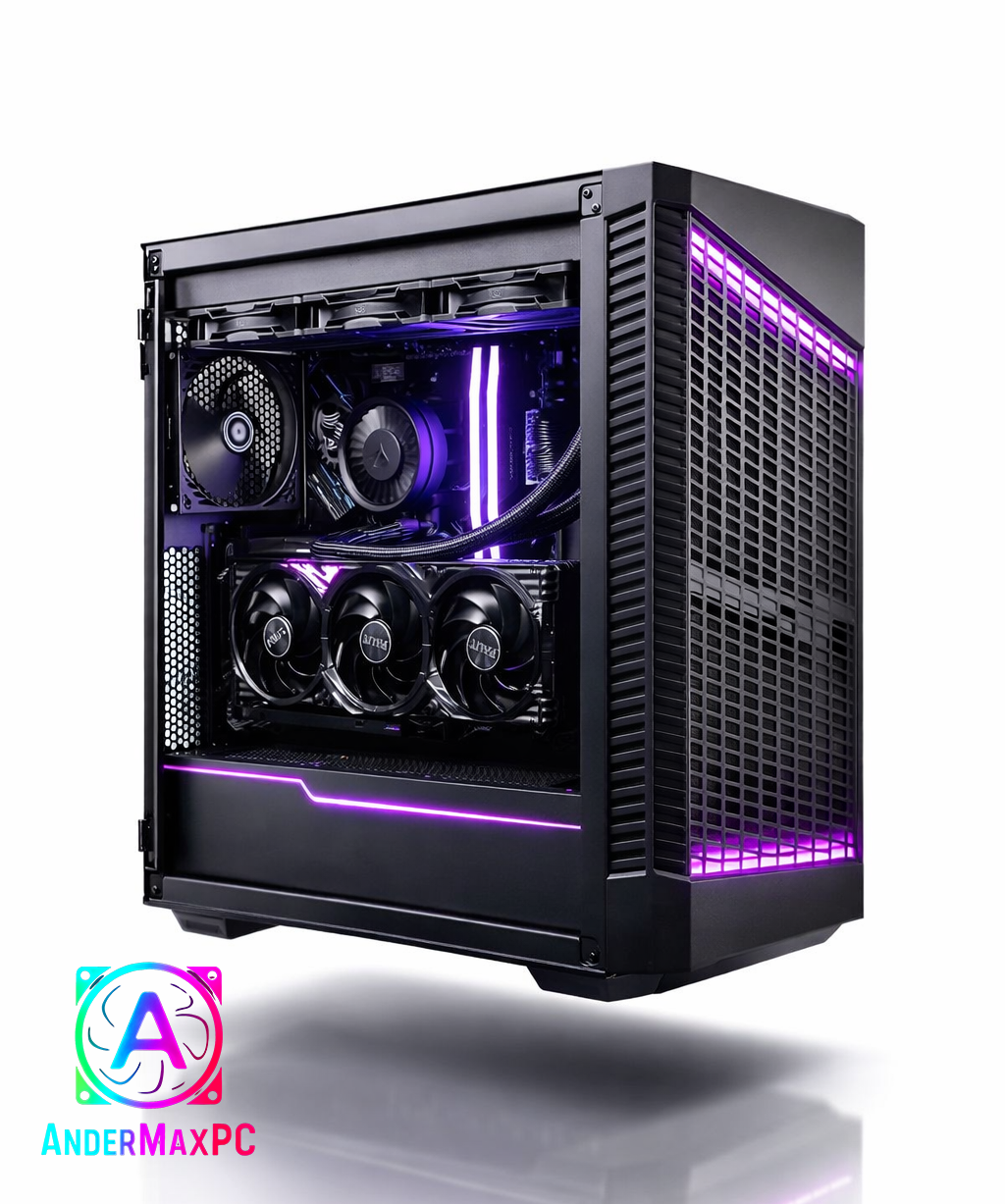
This gaming PC was assembled, configured, and tested by a custom PC builder.
The system is built with a focus on real-world gaming performance, thermal efficiency, and long-term reliability.
All components were carefully selected to ensure proper balance without unnecessary compromises.Assembly and service details:
• Clean manual assembly with proper cable management
• CPU and GPU thermals optimized
• High-quality thermal paste applied
• GPU inspected and tested under load
• System stability tested (gaming and stress scenarios)This build is designed for smooth 1440p gaming with high refresh rate monitors.
No experimental hardware, no unstable drivers, no low-quality power delivery components.Built for daily use — not just to look good in photos.
Type Item Price CPU [AMD Ryzen 9 9900X 4.4 GHz 12-Core Processor] £349.00 @ Currys PC World CPU Cooler [ARCTIC Liquid Freezer III Pro 360 77 CFM Liquid CPU Cooler] £71.98 @ Amazon UK Motherboard [MSI X870E GAMING PLUS WIFI ATX AM5 Motherboard] £199.99 @ AWD-IT Memory [Corsair Vengeance RGB 32 GB (2 x 16 GB) DDR5-6000 CL30 Memory] £531.99 @ Corsair UK Storage [Netac NV3000 1 TB M.2-2280 PCIe 3.0 X4 NVME Solid State Drive] £138.17 @ NeoComputers Video Card [Palit GamingPro GeForce RTX 5070 12 GB Video Card] £559.00 @ Box Limited Case [MSI MPG VELOX 100P AIRFLOW ATX Mid Tower Case] £72.99 @ AWD-IT Power Supply [MSI MAG A850GL PCIE5 850 W 80+ Gold Certified Fully Modular ATX Power Supply] £97.94 @ CCL Computers Operating System [Microsoft Windows 11 Home Retail - USB 64-bit] £115.47 @ Scan Prices include shipping, taxes, rebates, and discounts Total £2136.53
-
Why Some Gamers Disable VBS in Windows 11 — And When It Actually Makes Sense
Speaking as an experienced Windows and PC gaming user, the topic of disabling VBS (Virtualization-Based Security) comes up regularly, and it’s worth explaining it without extremes or fear-mongering.Some gamers disable VBS not because they are “against security”, but because they are chasing very specific performance goals. This usually applies to competitive or CPU-bound scenarios: high-refresh-rate esports titles, older engines, simulation games, or systems where the CPU is already the limiting factor.
VBS introduces an additional isolation layer between the operating system and critical components like memory and the kernel. On modern CPUs, the overhead is generally small, but it is real. In certain edge cases, this can slightly reduce minimum FPS, increase frametime variance, or add small latency penalties. For most users, this difference is barely noticeable. For competitive players, even a few percent can matter.
Another reason is hardware context. On older CPUs or entry-level systems, virtualization-based features can be proportionally heavier. In those cases, disabling VBS may produce a more noticeable improvement than on modern high-end hardware.
That said, it is important to understand what is being traded away.
Disabling VBS lowers protection against kernel-level attacks, malicious or vulnerable drivers, and advanced persistence techniques. These are not common threats for average home users, but they are the exact mechanisms used by sophisticated malware, cheat loaders, and targeted attacks. With VBS off, Windows behaves closer to older security models.
This does not mean the system becomes instantly unsafe. Windows still has multiple layers of defense. However, the security margin is reduced, especially against low-level threats that traditional antivirus solutions are not always effective against.
So when is disabling VBS a reasonable choice?
It can make sense for:
Competitive gamers who prioritize maximum and consistent FPS Users with older CPUs where virtualization overhead is more pronounced Controlled environments where software sources are trusted and limitedWhen is it not recommended?
General-purpose systems PCs used for work, browsing, downloads, or mixed workloads Systems exposed to unknown drivers, mods, or untrusted softwareIn short, disabling VBS is not a “magic performance tweak” and not something that should be done blindly. It is a calculated trade-off. For most modern gaming PCs, leaving it enabled provides better overall balance. For niche performance-focused scenarios, disabling it can be justified — as long as the user understands the risks.
-
Windows 11 25H2 became noticeably larger in size, and Microsoft recently explained why. The reason is not new visual features or bundled apps, but a significant expansion of security mechanisms at the system and kernel level.
The key point is that Microsoft strengthened protection in areas that operate at the lowest level of the operating system: the kernel, drivers, and memory isolation. These changes are expensive in terms of disk space, but they are intentional.
One of the main additions is deeper kernel-level protection. This targets modern attack vectors such as rootkits, malicious drivers, and exploits that attempt to load before or alongside the OS. To achieve this, Windows now ships with more built-in components, validation data, and fallback mechanisms. These are not downloaded on demand — they are stored locally to ensure reliability and offline patching.
Another major factor is the expanded use of Virtualization-Based Security (VBS) and HVCI. In simple terms, parts of Windows are now isolated in a protected virtual environment. Even if malicious code executes, it cannot easily reach critical system components. This requires additional system images, memory maps, and compatibility layers, which directly increases the size of the OS image and cumulative updates.
Driver security has also been tightened. Windows 11 25H2 includes stricter driver validation, larger blocklists for vulnerable drivers, and more integrity-checking data. This is particularly important because many real-world exploits rely on legitimate but insecure drivers to gain kernel access.
A common question is whether these security mechanisms affect gaming performance.
In most modern gaming scenarios, the impact is minimal to negligible. On current CPUs, especially mid-range and high-end systems, the overhead introduced by VBS and kernel protections is usually within the margin of error — often a few percent at most, and frequently unnoticeable in GPU-bound games.
However, there are edge cases. Competitive players chasing maximum FPS in CPU-limited titles, or users on older hardware, may observe small drops in minimum FPS or slightly higher latency. This is why some gamers choose to disable features like VBS or Memory Integrity.
Disabling these protections can indeed recover a small amount of performance, but it comes with real trade-offs. Turning them off reduces protection against kernel-level malware, malicious drivers, and advanced persistence techniques. These attacks are rare for casual users, but they are exactly the type used in targeted attacks, cheat loaders, and advanced malware.
In other words, disabling these features does not make Windows “unsafe” overnight, but it does lower the security ceiling. The system becomes more similar to older Windows versions in terms of attack surface.
The increase in Windows 11 25H2 size is therefore not accidental and not a sign of unnecessary bloat. It reflects a strategic decision by Microsoft to prioritize system integrity, offline reliability, and long-term security, even at the cost of larger update packages and higher storage requirements.
Whether to keep all these protections enabled depends on the user. For most systems, especially general-purpose and gaming PCs with modern hardware, the default configuration offers a reasonable balance between security and performance.